
Tool runner
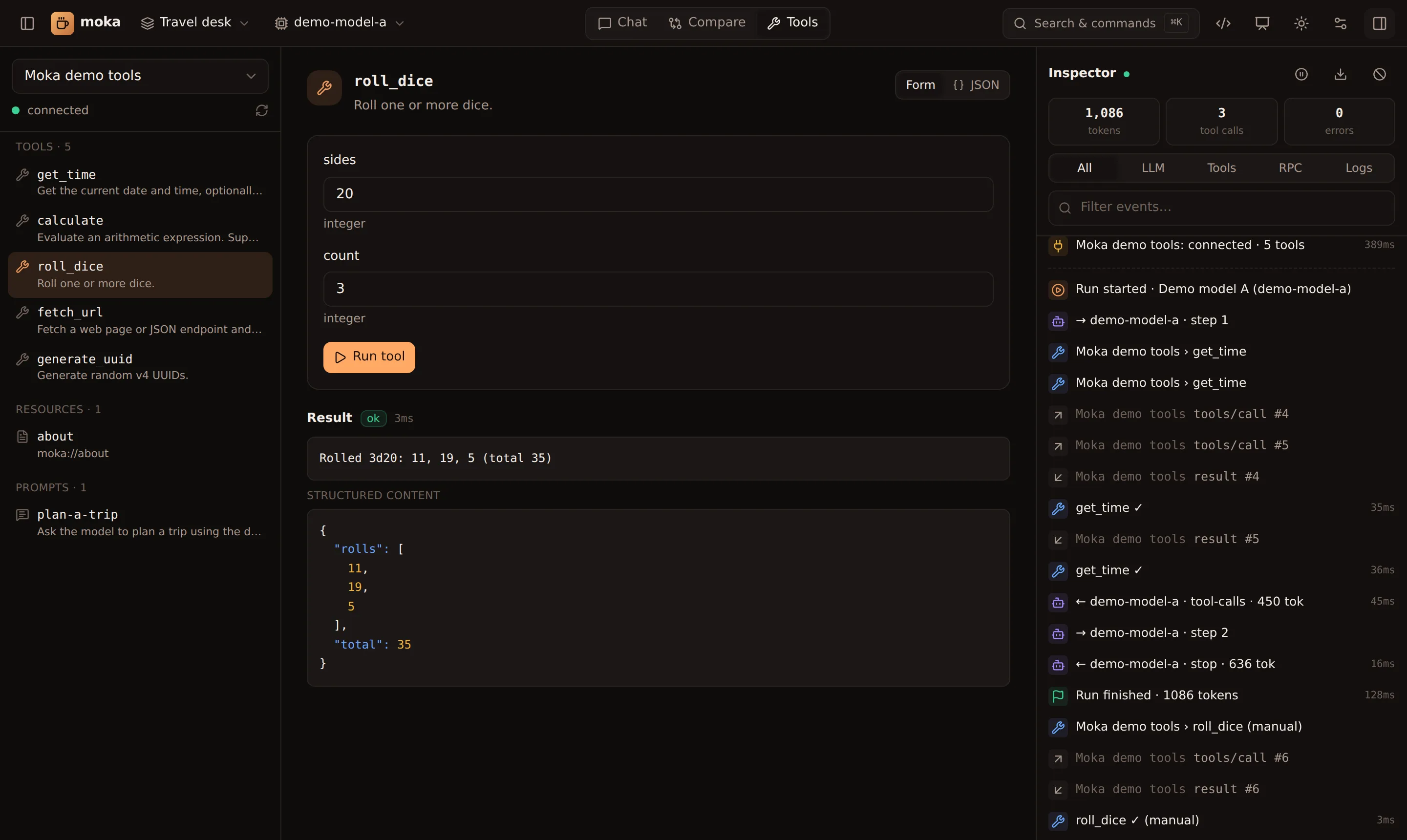
The Tools view is a manual MCP client:
- Tools — Moka generates a form from each tool’s JSON Schema (text, numbers, booleans, enums; JSON for objects and arrays). Switch to JSON to edit raw arguments. Run tool shows text, images, structured content and errors, with timing. Tools with an MCP App render their UI here too.
- Resources — click to read a resource and see its contents.
- Prompts — fill in arguments, click Get prompt, and Send to chat to use the result as a message.
Tool annotations (readOnly, destructive, openWorld, …) are shown as badges. Manual calls are logged in the inspector as (manual).
This is the fastest loop when you’re developing an MCP server: edit, reconnect (↻ next to the server), run.